This paper was completed in the Spring 2026 semester as part of the "Projects in Digital Archives" course at Pratt Institute, overseen by professor Bill Levay. It was co-written between Sabrina Chaney (myself), Jenna Doherty, Zoe Wilson, and MJ Ray.
Jenna Doherty, Zoe Wilson, Sabrina Chaney, MJ Ray
School of Information, Pratt Institute
INFO 665: Projects in Digital Archives
Professor Bill Levay
May 12, 2026
Introduction
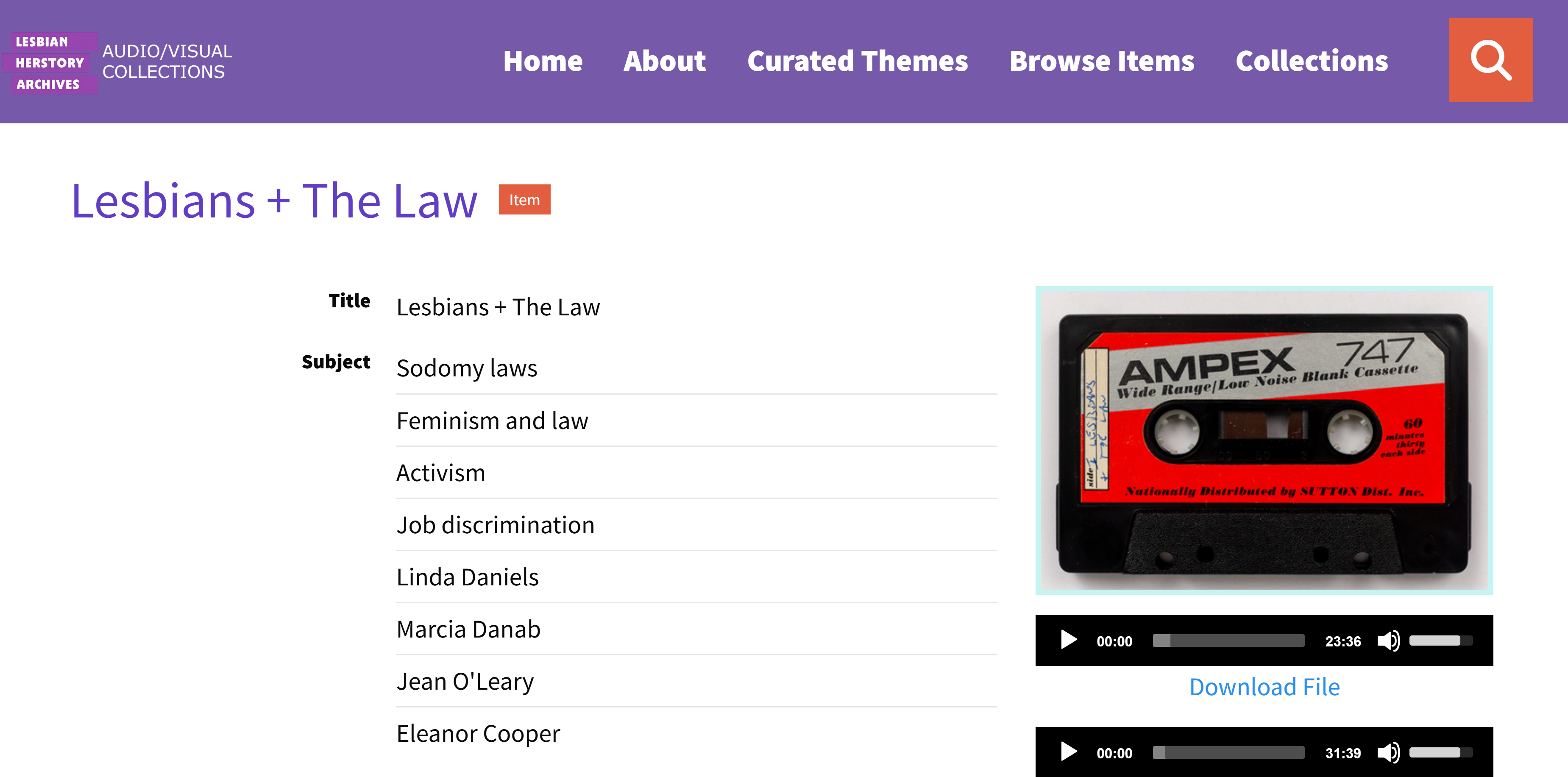
The Lesbian Herstory Archive’s AudioVisual Collection hosts items documenting the recorded history of lesbian life and culture. The collection includes recorded audio cassette tapes of WBAI Radio programs, oral histories, events recorded on VHS tape, and more. The collection is actively cataloged and maintained by students of the Library and Information Science degree program at Pratt Institute. The project is ongoing and iterative, building upon the progress of prior semesters. Inheriting previous semesters’ work is not dissimilar to the plight of an archivist newly hired to process and document an existing collection at a knowledge institution.
The metadata group was tasked specifically with applying metadata to items that were newly digitized and added to the collection. In the process of doing so, however, numerous discrepancies were observed, which will be discussed in the report herein. Our mission then evolved to not only manage the incoming archival items, but to also scour the collective metadata that was compiled and applied by students of the past, and eliminate redundant or confusing information. In doing so, our group aimed to increase accessibility for patrons of the Lesbian Herstory Archive’s collection, and to clarify the process of identifying and applying metadata for future semesters engaged in this class.
It’s a commonly known fact that as a collection is passed from one group to another, mistakes and discrepancies may arise; however, for the members of our group, this metadata cleanup process was a new undertaking in and of itself. We collaborated with each other over verbal discussions to problem-solve and inhabit the mind of a potential user, not just the mind of an information professional. Over the semester, the time constraints of the project became clear. We would not be able to carry out every single goal to full completion. Nevertheless, our progress will undoubtedly create more ease with a straightforward, easy-to-follow guide for future students.
Metadata Application Profile
At the beginning of the project, our group reviewed the previous semester’s documentation, including the Lesbian Herstory Story’s Cataloging Manual, the Fall 2025 Metadata Group’s running notes, and the existing material for the LHA AudioVisual Collection that was already uploaded to Omeka. We identified several issues which would make it a challenge to proceed with applying metadata to newly digitized tapes. Firstly, we identified conflicting metadata schemas with little explanation for why one schema was used for a field versus another. There was also confusion between subject headings and tags, both in the backend of Omeka and on the public-facing collections website, such as duplicated terms, miscapitalizations, and other unexplained mismatches in data. The metadata fields suffered from redundancies or vague terminology that made it difficult to distinguish between fields such as “Host”, “Interviewer”, “Creator”, and “Contributor”. In other words, on a global level, the existing metadata appeared to have no standardized rules for students to implement; instead, data was applied subjectively, with differences in habits and applications from one semester to the next.
This lack of standardization posed several problems both for our group and for patrons of the LHA AudioVisual Collections. In terms of retrieval and access, it was unclear what data would be prioritized and returned to a patron by Omeka. For example, if a term such as “civil rights” was used to search for a cassette tape, would Omeka search via the metadata fields, the tags, the content written inside of an attached transcription of the audio, or all of the above? If a researcher was seeking content about a particular activist movement, but their result was filtered under a large umbrella of “civil rights” tapes, it may cloud their results and they would be forced to sift through needless hours of recorded content. The overlapping and repeated terms added another layer of obfuscation that needed to be remedied.
To solve these problems, we decided to develop a Metadata Application Profile, or “MAP” for short. The purpose of the MAP was to serve as a “single source of truth” document for students to refer to in the future. The MAP clarifies which metadata fields were to be used and which standardized metadata schemas the fields were aligned with. Our decisions were guided by both the LHA cataloging manual and by what fields suited description of the WBAI collection. The MAP serves as documentation for future semesters to understand the decisions made by past students as opposed to taking on the collection’s metadata completely from scratch. By the end of the semester, we developed a MAP featuring 18 metadata fields— normalized and whittled-down from all fields used by previous semesters— and instructions for future metadata group members. This is our most significant contribution to the project this semester.

Screenshot of Metadata Application Profile document.
Data Cleanup
The first step in this process was to analyze all of the metadata that had been currently used for the LHA AudioVisual Collections. This was accomplished via a .csv export from Omeka, a process which was documented on Omeka’s community forums (Juan, 2022). The OpenRefine application was used to import the .csv data from Omeka into a spreadsheet. This sheet was used to identify which metadata fields had been used, as well as identifying redundant patterns in prior semesters’ data entries. One tab in the spreadsheet was reserved for previous semesters’ data, and a second, newly added tab was for our internal use to begin recording metadata for the tapes digitized in our class.
The OpenRefine results yielded some interesting insights. We noticed that former semesters did not include metadata that documented the digitization process; for example, we could only find one instance where a student recorded the date that a tape was digitized. Upon engaging with the materials, we found that dates were not typically mentioned and so precise dates were not known for the majority of our objects. We decided to include that information in our Entry Sheet, if applicable, going forward. We also noticed that some items did not list who the interviewer or interviewee was on the user end of Omeka, although it was picked and noted in the .csv export. This led to the discovery that changing the “Item Type” of an Omeka record seemed to change the metadata fields that were available to use. We decided to standardize this as well, marking all of the audio cassettes in the AudioVisual Collection under the “Sound” Item Type.
In regards to the subject headings that had been used to catalog the audio cassettes, we decided to maintain the use of the Library of Congress and Homosaurus vocabularies as outlined in the LHA Cataloging Manual. We also took note when adding a new subject or tag that may not have already been in the WBAI Collection, because it would have to be specially added when migrating the metadata from the Entry Sheet into Omeka. Within the pre-existing subjects, we found that some of them had been improperly entered as one continuous text string rather than separated out into individual terms. We were also unsure whether subjects and tags were indexed differently by Omeka, and whether or not the subjects and tags needed to be consistent with each other. We would have to investigate and correct these small discrepancies.

Screenshot of Entry Sheet document.
Metadata Fields
Once we normalized all items in the WBAI collection as “Sound” Item Type in Omeka Classic and created a Metadata Application Profile, we began the task of cataloging newly digitized audio tapes in our Entry Sheet (pictured above). After reading the transcripts, or listening to the recorded broadcast, we began entering data into each field. Extra attention was paid to fields where side A and side B are distinct, like the “Description” field. This brought about the issue of how such differences are noted in the Entry Sheet. Our final format for the "Description" field is as follows:
A line about show title, cassette title
ex: “Broadcast of Insert Show Title,” noted as “Insert cassette title”. On the cassette.
If two sides, describe side A first and then side B, starting with show format and then subject matter.
ex: “Side A contains the inaugural episode of the talk show of Lesbian Images, regarding ____. Side B contains an interview format show regarding a new book on the controversial morning sickness drug Benedictine by Carolyn Marshall.”
*If any additional detail beyond the one sentence summary, or notable gap in our understanding of the recording exists, it should then be noted here.
During the metadata entry process, we changed the function of the title fields. We determined that the “Title” field should feature the titles inscribed on both sides of the tape (if they are indeed different, with any misspelled words or names corrected). The “alternative title,” on the other hand, should be a cataloger-created title. We felt that no cataloger title would be authoritative enough to trump the title written directly on the donated tape. Finally, “series title” should only be used for broadcasts where the series is named or established.
Another metadata element with which we took special care is the “Rights” field. With about a month remaining in the semester, Prof. Levay received an email from our contact at the LHA, Desiree. She had discovered that WBAI radio station was bought by a company called Pacifica Radio, which has its own archive (American Archive of Public Broadcasting, n.d.). Thus, she wanted us to redirect any questions regarding copyright to that company directly– especially since the vast majority of the tapes digitized this semester are from that station. We decided to draft two copyright statements to reflect the fact that the majority of the broadcasts archived in this collection have one rightsholder, but for some it is unclear. Both versions of the statement link to the Creative Commons website and the LHA copyright statement. The only exception (this semester) is tape SPW1945: a recording of a full musical album.
Subjects & Tags
After some internal exploration, our group found no observable differences in the indexing function of a subject versus a tag in Omeka. The main differentiator seemed to be that subjects could be tied to taxonomies that were determined by standardized subject heading vocabularies like the Library of Congress Subject Headings and the Homosaurus Linked Open Data Vocabulary, which were already in use by the Lesbian Herstory Archives. Tags, meanwhile, seemed to allow for flexible tagging on the part of the individual cataloguer, allowing for terms to be added that were related to a resource, but may not have been represented in a specific standardized vocabulary. With that in mind, we decided that the subjects and tags would remain the same as they had already been entered into Omeka. This decision was made in consideration of Omeka Classic’s inherent software limitations and the imagined search practices of the potential users.
We wanted to minimize the risk of losing search terms, but we were also going to apply our own clean-up practices to correct errors such as miscapitalizations, long uninterrupted text strings, and consolidating redundant terms. The “Tags Plus” plugin available on GitHub served as a useful tool, allowing us to browse all of the tags at once, merge similar tags (like “feminism” and “feminist”), easily rename tags to remedy miscapitalization problems, and synchronize tags with DC.Subject metadata entries so that every subject would also appear as a tag (Binaghi, 2026/2026). Previous semesters had also entered names into the tags, such as a featured guest on one of the cassette tapes. Removing proper nouns as tags meant that they would still be searchable in the database but they would not be visible as “clickable” on the public-facing website. To maintain names as an entry point for users, we decided that proper nouns, such as a person’s name, would be added into the Subjects metadata field despite the fact they are not controlled vocabularies. That way, subjects and tags would remain consistent throughout the collection. We would also recommend via the MAP that Getty Union List of Artist Names (ULAN) would be associated with any names marked in the Subject metadata field, if applicable, to maintain standardization practices.
To further streamline the subjects and tags process, we added a customized “Subject Terms” tab to the Entry Sheet. Once a cataloguer enters a new subject heading with its associated identifier from Library of Congress or Homosaurus, a programmatic script would automatically alphabetize it and add the new heading to the existing subject headings dropdown menu in the main Entry Sheet - which could be continually added to over time. We wanted to provide this to future semesters as an easy tool to help maintain the best practices we developed as a group.
Teamwork with Other Groups: Curatorial Team
As we worked on this project, a question was posed regarding the description field for each item record; namely, who would be responsible for creating the text descriptions and applying them in Omeka? We developed our own description workflow for describing the AudioVisual Collection items, including a line that delineated the radio show’s title and the written cassette title, in this templated form: “Broadcast of ‘Insert Show Title’, noted as ‘Insert Cassette Title’”. Additionally, if there were two sides of the cassette, side A would be described first, followed by side B, starting with the show format and then subject matter: “Side A contains the inaugural episode of talk show of Lesbian Images, regarding ____. Side B contains an interview format show regarding a new book on the controversial morning sickness drug Benedictine by Carolyn Marshall”. Finally, if there was any additional detail beyond the one sentence summary, or if there was a notable gap in our understanding of the recording, then it would be noted in the description.
While we were satisfied with our working formula, we also wanted to be cognizant of the Curatorial Team’s work. We became aware that the Curatorial Team was also writing their own descriptions, and we did not know what their formula was. We could potentially compare our formulas across our teams and consolidate them. Clarification was needed to determine whether the Curatorial Team’s descriptions applied to exhibit descriptions versus item descriptions. Would they want the exhibit descriptions to be distinct from the item descriptions to avoid redundant information? The metadata team had already been working with the audio transcripts in order to supply additional context in the item descriptions and subject headings, like who was featured in an interview, or the general topic of a radio show. We concluded that according to cataloging best practices, a description should be a factual record of the item, while the curatorial description of an item would include information about how an item fits into the grander scheme of an exhibit.
Teamwork with Other Groups: Technology & Design Team
On the public-facing website for the Lesbian Herstory Archives AudioVisual Collection, navigating to Browse Items > Browse by Tag revealed a “collection tree” composed of all of the tags used in Omeka. Our group had already done a lot of work cleaning up and consolidating the tags, and combining them with standardized subject headings, to make this tree more user-friendly. However, we needed assistance from the Technology & Design team to perfect the tag cloud. Initially, the tag cloud was designed with color-coded labels accompanying each tag. These colors were visually appealing, but the Curatorial Team pointed out that a color accompanying a tag would imply that there was some meaning associated with each color (for example, the color blue could symbolize any tag associated with music, while a tag that was red could represent an interview). This introduced complications, because tags could not easily be categorized in this way in Omeka, and without organizing the colors into categories, they quickly became a source of confusion for users. To circumvent this problem, we asked the Tech & Design team to remove any color labels associated with the tags, leaving just the words for users to browse and click.
We also identified a technological limitation within Omeka relevant to our work: we could not rename a metadata field with an alternative title. This functionality exists within Omeka S, but not within Omeka Classic. For example, in the Omeka back-end, there was a PB Core metadata field named “Interviewer” that we wanted to change to “Host”, reflecting the name of the interviewer, primary person on the audio asking questions or is the driver of the audio. Likewise, we wanted to rename the PB Core metadata field for “Interviewee” to “Guest”. Changing the name of the “Interviewer”/”Interviewee” field would help future students understand what metadata was intended to be captured. Although we were unable to rename the field on the back-end, we surmised that the MAP was enough of a roadmap for future students to understand the data entry portion, and we decided to ask the Technology & Design Team to instead rename the metadata field on the front-end of the website, so the public would be able to read the metadata fields as we intended.
Omeka Import
In the final days of the semester, we imported the metadata from our completed Entry Sheet into the Omeka platform. While Omeka has the capability to batch import metadata from a .csv file (and this sufficed for this semester’s new records), it was impossible to batch-edit the metadata from previous tapes without duplicating the record. Therefore, we sought out a third-party plugin on Github called “CSV Import Plus”. This plugin would allow us to “import or update items from a simple CSV (comma separated values) file, and then map the CSV column data to multiple elements, files, and/or tags” (Berthereau, 2012/2025). This plugin did require two separate uploads for the new records versus the old records, with slightly different settings for the upload.
Prior to upload, we utilized OpenRefine to prepare the CSV by the standards of the Omeka import. We also utilized the development site for trial and error upload, as the added plugin was relatively complicated and took some adjusting to ensure all information was transferred over correctly. Through this back and forth trial process, we were able to finalize a CSV for upload into the main Omeka site. This required only a few changes that differed from the Entry Sheet. The second row of our Entry Sheet with guidelines for catalogers had to be removed so it would not be confused as an item. Although we did utilize the pipe [|] in our Entry Sheet, due to the picklist for standardization of the subject terms we had to replace the denominator from Google default comma to our chosen delimiter for that field only. We also had to enclose in HTML any in-text links so they would be clickable, in addition to marking that those fields had HTML through Omeka during the upload process. The most complicated part of the upload was mapping to the correct fields. This was due to the fact that in our current Omeka system, a vast amount of unused fields, from DublinCore, PBCore, and other Omeka fields, were not differentiated in the mapping process, making it difficult to make sure the right fields were chosen. We were eventually able to decipher what fields in the picklist were the ones we wanted, but some fields kept mapping to both DC and PBCore, which is one of the issues that we created the MAP in the first place to avoid. In order to minimize this issue, we discovered changing the headings to specify which schema assisted the plugin in deciphering the right fields, but still required double-checking before upload.
We are recommending that next semester’s metadata team continue refining tags and subjects, work with the tech team to color code tags, and resume standardization of previous records. While we were able to adjust the old records to utilize the fields we had decided in the MAP as well as standardization of the “Rights” field, we were unable to do a complete revision. We recommend edits be prioritized in standardizing the description and tag/subject revision. In the future, we feel there should be a designated member of the metadata or the technology team to investigate element field usage, plugins, default settings on Omeka Classic since the current state of the system has so many working parts that continually became roadblocks in our navigation of Omeka.
Conclusion
Over the course of the semester, we had the goal of an overall standardization approach to the LHA’s AudioVisual Collection metadata. We accomplished our goal of formulating a Metadata Application Profile for future Pratt students to reference, which described each metadata field in depth and defined our group’s reasoning behind our choices. With the aid of the MAP and our Entry Sheet, we were able to apply our corrections via a .csv import to Omeka, cataloguing our semester’s digitized tapes and providing guidelines in the event that a future semester would like to standardize the previous semesters’ tapes as well.
Overall, the project was a great exercise of group collaboration and brainstorming, not just within the Metadata Team but with the Digitization, Curatorial, and Technology & Design Teams as well. It is exceedingly rare to get the chance to standardize an organization or collection’s metadata from the very beginning. In that sense, we were all treated to the realistic experience of inheriting a collection and making the best out of what we were provided. Our hope is that future semesters will be able to follow a roadmap that is mindful of existing best practices in the knowledge management field, and that our new MAP acts as a compass for students until the LHA AudioVisual Collection is fully cataloged.
Works Cited
American Archive of Public Broadcasting. (n.d.). Pacifica Radio Archives. Americanarchive.Org. Retrieved May 9, 2026, from https://americanarchive.org/special_collections/pacifica-radioarchive
Berthereau, D. (2025). Daniel-KM/Omeka-plugin-CsvImportPlus [PHP; Omeka]. Roy Rosenzweig Center for History & New Media. https://github.com/Daniel-KM/Omeka-plugin-CsvImportPlus (Original work published 2012)
Binaghi, D. (2026). DBinaghi/plugin-TagsPlus (Version 1.0) [JavaScript; Omeka Classic]. https://github.com/DBinaghi/plugin-TagsPlus (Original work published 2026)
Juan, J. (2022, April 29). Exporting all items in a database via CSV Export—Omeka Classic / Plugins. Omeka. Omeka Forum. https://forum.omeka.org/t/exporting-all-items-in-a-database-via-csv-export/15093